
Three kinds of message on a coffee machine display
Sorting a message into its group tells you who acts on it. Almost everything in the first two groups is yours; the third group is where the machine is reporting on its own insides.
Coffee machine display messages are worded differently from make to make, and a Bosch, a Miele and a JURA will not show the same text for the same situation, but the grouping holds across all of them.
- Maintenance prompts: descale, clean, change the filter, rinse the milk system. They arrive on a count of drinks or water.
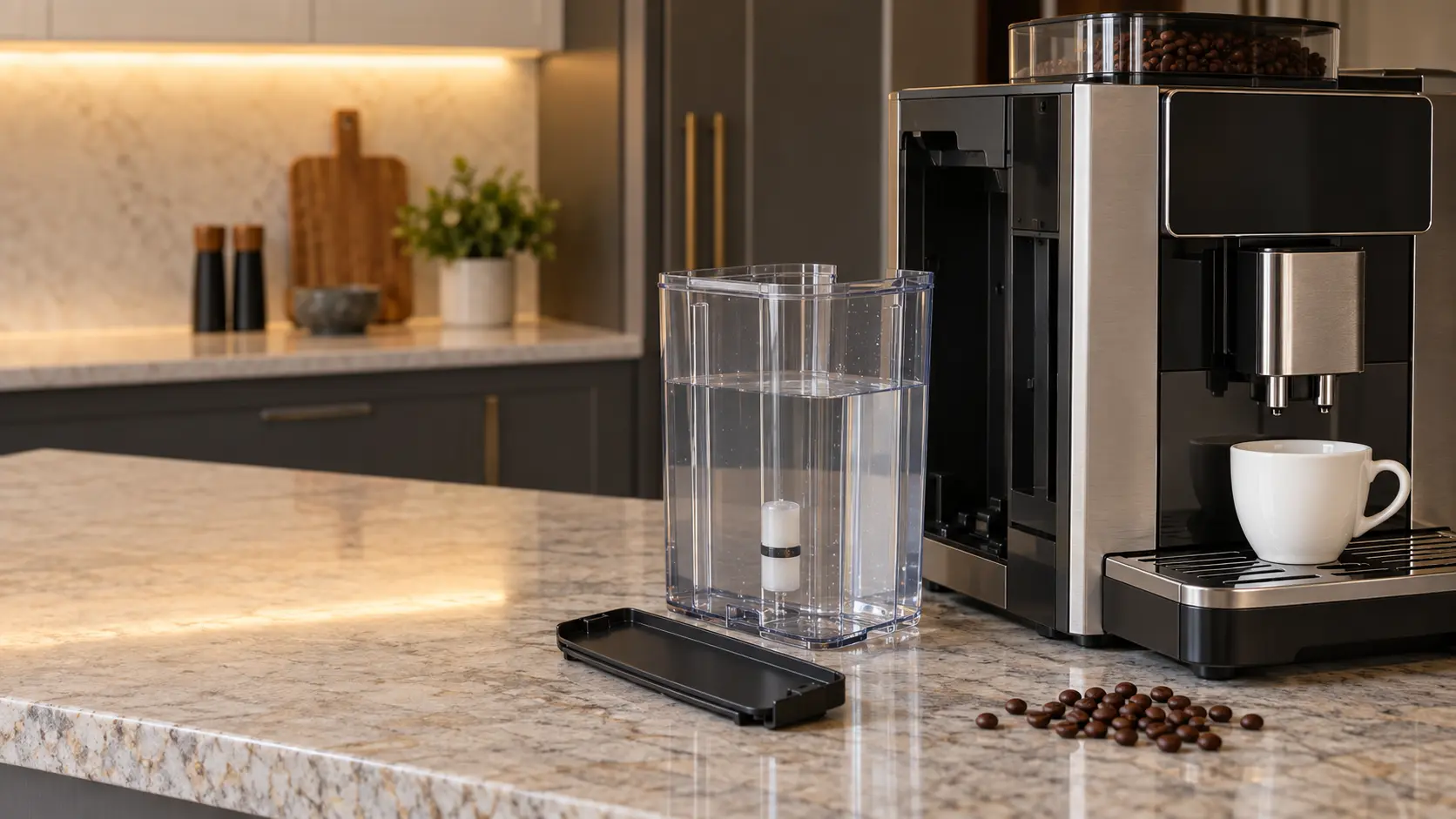
- Container prompts: fill the tank, add beans, empty the grounds, insert the drip tray, close the door, connect the milk.
- Numbered codes: a letter and digits, or a short word such as ERROR with a number, meaning an internal check failed.
Maintenance prompts are a schedule
JURA's list is typical: a request to rinse the milk system, to clean the machine, to decalcify it, and a filter symbol that turns red when the cartridge is used up. None of them is a problem; each one is the machine counting. Ignoring them for weeks is how a prompt eventually turns into one of the other two groups.
Miele explains where the descale timing comes from: the machine measures the water and steam it uses and, based on the hardness level you set, calls for descaling earlier or later.
When the descale prompt seems too early or too late
If the prompt comes back every few days or has not appeared in a year, check the hardness setting against a fresh test strip or your water utility's figure. A setting that is too soft lets scale build unannounced.
A descaling run started by mistake
On a Miele, once descaling has been confirmed it cannot be stopped, and the manual asks for it to be carried through to the end. Keep the descaler and a container ready rather than switching the machine off halfway.
Source: Miele — CVA 6405 built-in coffee system, operating and installation instructions — Descaling interval from water used and the hardness set; descaling cannot be stopped once confirmed; push-the-container prompt with a full tank means descale after waiting about an hour; heat-up message with a water-line setting and no line; F1–F4 and F80–F83 wait one hour, F74, F77, F225, F226, F235, F236 wait two minutes; confirm messages with OK; F73 check the brew unit; JURA — E8 instructions for use — Rinse, clean, decalcify and red filter prompts; fill-tank message with a full tank from limescale in the tank; too hot to start maintenance; ERROR 2 or ERROR 5 after long exposure to cold

Container prompts that will not clear
A prompt that stays after you have done what it asked has a short list of causes, and the makers name them. JURA ties a fill-the-tank message with a full tank to limescale in the tank itself and asks for the tank to be descaled. Bosch ties a fill-the-beans message with a full hopper to oily beans that will not slide down, and suggests tapping the container gently and trying a different coffee.
Miele has an unusual one: a prompt to push the water container in, appearing with the tank full and fitted, means the machine needs descaling. Its manual asks you to switch off, wait about an hour, then choose descaling as soon as the heat-up message appears.
Milk container not found
Bosch's built-in looks for its milk container on a shelf with a sensor. A container placed too far left, or a carton the sensor cannot read, brings a question about whether milk is connected; move the container to the right edge or use the one supplied.
Source: Miele — CVA 6405 built-in coffee system, operating and installation instructions — Descaling interval from water used and the hardness set; descaling cannot be stopped once confirmed; push-the-container prompt with a full tank means descale after waiting about an hour; heat-up message with a water-line setting and no line; F1–F4 and F80–F83 wait one hour, F74, F77, F225, F226, F235, F236 wait two minutes; confirm messages with OK; F73 check the brew unit; Bosch — BCM8450UC built-in coffee machine, use and care manual — Bean prompt with a full container from oily beans, tap the container; milk container outside the sensor range, move it to the right edge; switch off 30 minutes when too hot; restart after 30 seconds; 12:00 after a power failure; JURA — E8 instructions for use — Rinse, clean, decalcify and red filter prompts; fill-tank message with a full tank from limescale in the tank; too hot to start maintenance; ERROR 2 or ERROR 5 after long exposure to cold
Heat, cold and waiting messages
Some messages simply ask for time. JURA will not start a maintenance program while the system is too hot and asks you to wait a few minutes. Bosch asks for a thirty-minute rest when the machine reports it needs to cool, and a thirty-second power cycle for one of its restart messages. JURA's ERROR 2 or ERROR 5 after a machine has sat somewhere cold means heating has been blocked for safety until it warms at room temperature.
A heat-up message that never ends on a Miele can mean the machine is set to fill from a water line that is not connected. Change the water setting to the tank, or check the supply valve on a plumbed unit.
Source: Miele — CVA 6405 built-in coffee system, operating and installation instructions — Descaling interval from water used and the hardness set; descaling cannot be stopped once confirmed; push-the-container prompt with a full tank means descale after waiting about an hour; heat-up message with a water-line setting and no line; F1–F4 and F80–F83 wait one hour, F74, F77, F225, F226, F235, F236 wait two minutes; confirm messages with OK; F73 check the brew unit; Bosch — BCM8450UC built-in coffee machine, use and care manual — Bean prompt with a full container from oily beans, tap the container; milk container outside the sensor range, move it to the right edge; switch off 30 minutes when too hot; restart after 30 seconds; 12:00 after a power failure; JURA — E8 instructions for use — Rinse, clean, decalcify and red filter prompts; fill-tank message with a full tank from limescale in the tank; too hot to start maintenance; ERROR 2 or ERROR 5 after long exposure to cold
Numbered codes and what to do with them
A code is the machine's shorthand for a check it failed. Copy it exactly, including letters, before doing anything else. Our error-code pages cover the codes each maker publishes; the general pattern across the makers is a timed restart, then a visit if the code returns.
Miele is specific. For F1 to F4 and F80 to F83 it asks you to switch off and wait an hour; for F74, F77 and the F225, F226, F235 and F236 group, two minutes. It also asks you to confirm messages with OK after fixing the cause, because an unconfirmed message can reappear.
- Photograph the display before the message changes.
- Switch off with the on/off button and wait the time the maker gives.
- Switch on and make one drink.
- If the same code returns, leave the machine off and book.
A code that names the brew unit
Some codes are really container prompts in disguise. Miele's F73 comes with a request to check the brew unit, which an owner can remove and clean on that machine. If the unit will not come out, the timed restart is the last owner step.
Source: Miele — CVA 6405 built-in coffee system, operating and installation instructions — Descaling interval from water used and the hardness set; descaling cannot be stopped once confirmed; push-the-container prompt with a full tank means descale after waiting about an hour; heat-up message with a water-line setting and no line; F1–F4 and F80–F83 wait one hour, F74, F77, F225, F226, F235, F236 wait two minutes; confirm messages with OK; F73 check the brew unit