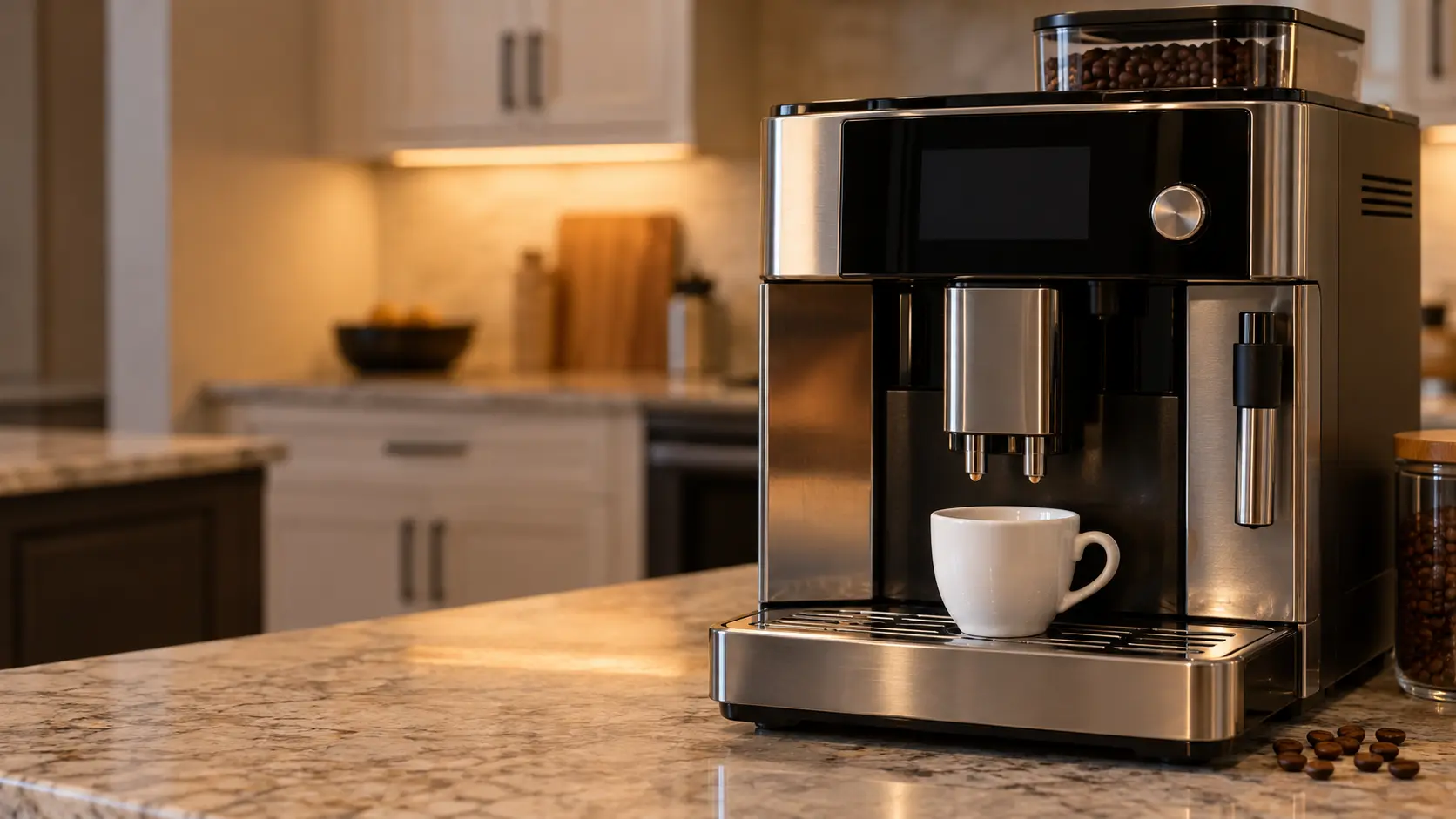
The small display of a coffee machine seen close.

Error codes

Coffee machine
error codes,
read properly.

A code narrows the search and is also the thing most often read wrong: the same characters mean different things on different brands, and a fair number of the codes people look up are not failures at all — they are modes the appliance was left in.

(844) 551-4777

Mon–Sat, 8am–8pm

  • 144 codes
  • 8 families
  • Model number decides

Book a visit

Three short steps, about a minute.

or call (844) 551-4777

Find your code,
make by make.

Type the characters exactly as the display shows them, or pick the make. Each code has a page of its own: what it means on that brand, what to check, and what not to do.

Fisher & Paykel coffee machine error codes

15 codes
Fisher & Paykel coffee machine repair

Smeg coffee machine error codes

15 codes
Smeg coffee machine repair

Wolf coffee machine error codes

15 codes
Wolf coffee machine repair

Gaggenau coffee machine error codes

14 codes
Gaggenau coffee machine repair

Bosch coffee machine error codes

13 codes
Bosch coffee machine repair

JennAir coffee machine error codes

13 codes
JennAir coffee machine repair

Thermador coffee machine error codes

13 codes
Thermador coffee machine repair

Bertazzoni coffee machine error codes

12 codes
Bertazzoni coffee machine repair

Fulgor Milano coffee machine error codes

12 codes
Fulgor Milano coffee machine repair

Jura coffee machine error codes

12 codes
Jura coffee machine repair

Miele coffee machine error codes

10 codes
Miele coffee machine repair

Three things before
you look it up.

A code is a lead, not a verdict. These decide whether the answer you find will be any use.

01

Copy the message word for word

Note the text, the number or the symbol, and which light blinks. A photo is best, since switching the machine off can clear it for good.

02

Photograph the model plate

On a built-in it is often inside the front door; on a countertop machine under the drip tray or the tank. The same number can mean a rinse prompt on one make and a brew-unit problem on another.

03

Water, steam or a smell?

If water reached an outlet or the cabinet, steam sprayed, or you smelled something hot and electrical, keep the power off and book today. A message on a machine that still pours normally can wait for a regular slot.

What each kind
of code means.

Codes fall into a handful of families. The family says more about the likely repair than the characters do — and one of them is not a repair at all.

How to read a code

Mode, not a failure

26 codes

The machine is doing what it was set to do, not wearing out: a rinse that runs through the spouts at switch-on and switch-off, a descale or filter reminder counting the water that has passed through, an energy-save mode that darkens the screen after a quiet spell, or a demo mode left on from the showroom that lights the keys and pours nothing. No part is needed; finishing the cycle the display asks for, or a key sequence from the manual, ends it.

Water and tank

21 codes

The machine asked for water and did not get what it expected: the tank is empty, sits off its seat or has a float the sensor cannot see, air is trapped in the line, or the flowmeter counted too little water passing in the time allowed. On a plumbed unit the same message can mean a closed shutoff, a kinked supply hose or a clogged inlet valve. Reseating a full tank and running a rinse clears the simple cases; a pump that hums with nothing moving is a visit.

Grounds and drip tray

20 codes

The machine thinks the grounds container is full or missing, or the drip tray is full or out of place, and it will not brew until that changes. Most machines count the pucks rather than weigh them, so the message returns if the container is emptied while the power is off or put back too quickly. When it stays after a proper emptying, the tray contacts, the sensor or the counter on the board is checked at the visit.

Brew unit

23 codes

The brew unit did not reach the position the control expected, or could not press and brew as it should: it is caked with old grounds, dry where it needs its grease, jammed by a dose too large, or its drive and seals are worn. On a machine with a removable unit, lifting it out with the power off and rinsing it is the owner's check; a fixed unit is cleaned by its own cycle, and anything past that is a visit.

Grinder and beans

19 codes

The grinder ran and too little came through, or it did not run at all: the hopper is empty, an oily or flavored bean is bridging over the burrs, a small stone or a clump has jammed them, or the burrs themselves are worn so the grind has turned coarse. Topping up with dry, plain beans and letting the machine try again clears most of it; a grinder that clicks, hums or stays silent with a full hopper needs its burrs and motor checked.

Heating and temperature

8 codes

The thermoblock or boiler did not reach its set heat in time, overshot it, or its sensor reported something the board did not believe. Scale lining the heater is the usual start, followed by a tired heating element, a sensor, or a thermal cutout that opened to protect the machine. A descale may bring the heat back; a cutout that trips again, steam where there should be none or a breaker that goes means the power stays off.

Milk system

12 codes

The milk system could not draw, heat or foam the milk as it should: a tube pinched or not pushed fully onto its connector, a frother or valve clogged with dried milk, a skipped cleaning cycle, or a steam valve and seal that no longer hold. Taking the milk parts apart for a rinse where the manual allows, and running the milk cleaning cycle, clears most of it; steam hissing from the wrong place or a frother that stays cold is a visit.

Control board and power

15 codes

The electronics that read the keys and run the grinder, the pump and the heater have flagged a problem with themselves or with the power reaching them: a supply that dipped or spiked, a board that lost its settings after an outage, a display or touch panel that stopped answering, or a relay that stuck. One switch-off at the key or the breaker clears a passing glitch; a message that returns, or any hot smell, means the power stays off and a technician tests the board.

A family sharing morning coffee at a built-in coffee machine in a bright kitchen.
For the heart of your home.

Questions about
the codes.

The message on my coffee machine is not listed. What now?
A message earns a page here only when the maker explains it in writing. Until then, put the exact wording, number or symbol in your booking and we check it against your own model's manual.
A friend's machine showed the same number. Is it the same problem?
Not always. Each maker keeps its own list, and some changed theirs between generations: a number that asks for a rinse on one machine can point at the brew unit or the heater on another. A code only means something next to its make and model.
Can I clear a coffee machine message on my own?
Often. Refill and reseat the water tank, empty and reseat the drip tray and the grounds container, lift the brew unit out and rinse it where the manual allows, or run the descale or rinse cycle the display asks for. Switching off for a minute and back on clears a passing glitch. A message that returns within hours points to a part, and after steam, a leak or a burning smell, skip the reset and book.
The display shows a message but the coffee is fine. Is a repair needed?
Maybe not. Many messages owners look up are reminders or settings: a descale or filter prompt counting liters, a rinse at switch-on, an energy-save mode dimming the screen or a demo mode left on from the showroom. Those pages show how to finish or switch them off with no part at all.

Back to your everyday

Let’s get your coffee machine working again.

Three short steps online, or one call. Tell us what you are seeing and pick a window that works.

(844) 551-4777 Schedule a repair