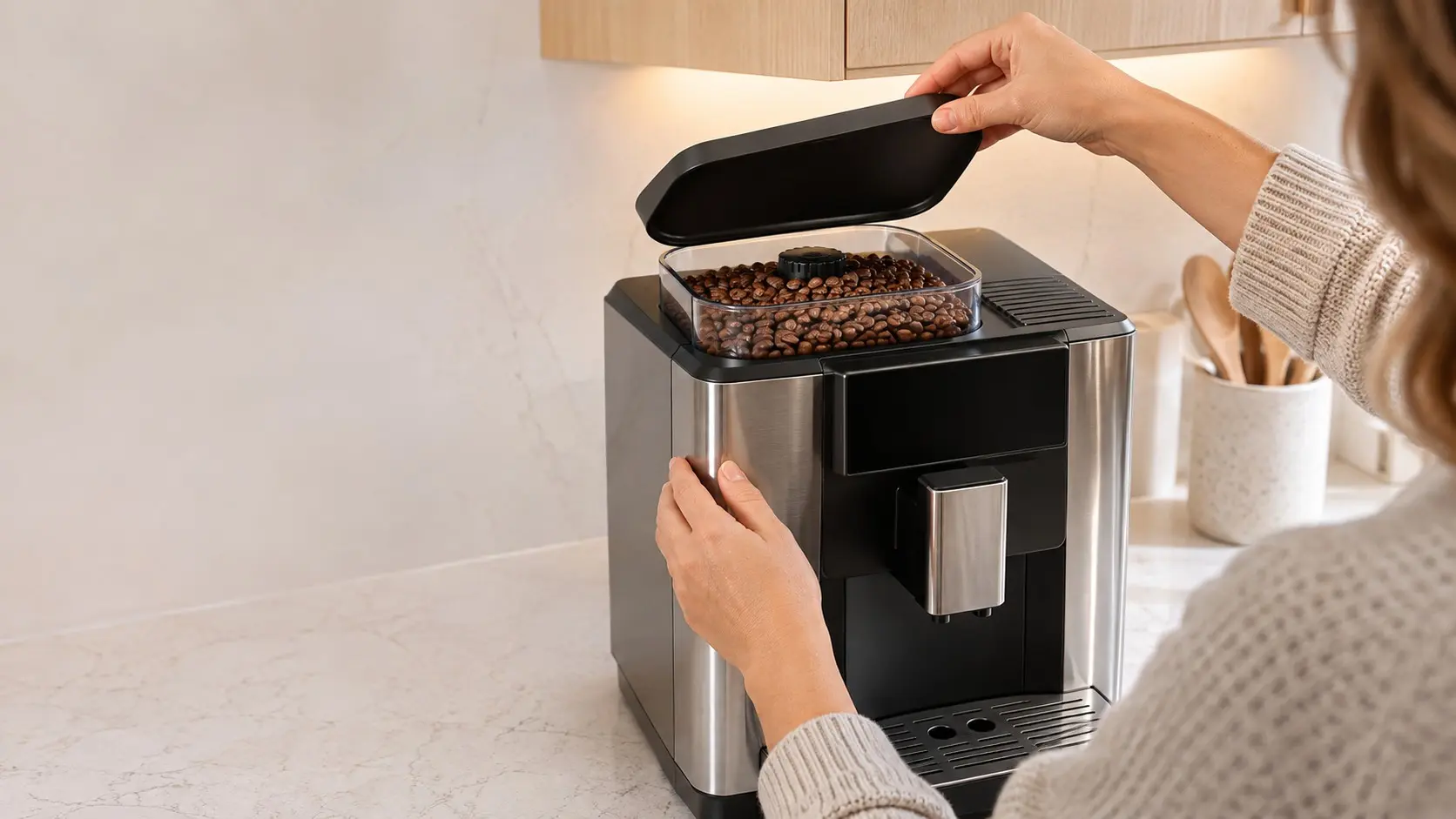


What are the most common coffee grinder problems?
Five behaviors account for nearly every complaint about a built-in grinder: beans that do not feed, a jam, dust instead of grounds, a harsh noise, and a grinder that does not start at all. Each one has a different first check, so the order below matters more than the parts.
Table: Symptom, likely cause and first safe check
| What you notice | Most likely cause | First safe check |
|---|---|---|
| Grinder runs, no beans drop | Oily beans bridging above the chute | Stir the beans in the hopper with a dry wooden spoon handle, machine unplugged |
| Grinder stops mid-cycle | A stone, bean shell or hard object | Look for it from the hopper side |
| Fine dust, weak shot | Setting too fine, or worn burrs | Move the dial one step coarser |
| Loud squeal or rattle | Empty hopper, debris, worn burrs | Refill and run a test grind |
| Nothing happens at all | Grounds container, drip tray or brew unit not seated | Reseat each one firmly |
Why does the grinder run but no coffee comes out?
When the motor runs and the cup stays empty, beans are not reaching the burrs. The usual reason is a bridge: oily beans stick to the hopper walls and form an arch above the chute. A dry stir often restores feed. If you grind and hear nothing but a fast, light whirr, the hopper is empty or bridged. Dark, oily beans are the main reason, and the grinder not working page lists the other causes.
Why does the grinder stop and the machine show a message?
A foreign object, a hard bean or a clump of compacted grounds can stall the burrs. Many machines then stop the motor to protect it. The display may then ask you to check the beans or may show a numbered message; see reading the coffee machine display for how those messages are grouped.
How do you check a jam safely?
Unplug the machine first and let it sit for a few minutes. Then look from the top, because the hopper is the only part of the grinder path meant for you to reach.
- Switch off and unplug the machine.
- Remove the hopper lid and lift out the beans with a clean, dry scoop into a bowl.
- Look at the bottom of the hopper with a flashlight for a pebble, a flavored bean clump or a broken bean.
- Pick out what you can see with tweezers, keeping the tips above the opening.
- Vacuum loose chaff and dust from the hopper floor with a brush attachment.
- Put the beans back, plug in and run one small grind.
Never push anything down the chute. The burrs are sharp, and a spoon or screwdriver can bend the burr carrier or leave a gouge that makes the grinder noisier for good.
What if the object is below the hopper?
If you cannot see the cause, or beans are visible but do not move, stop there. The burrs sit inside the machine, below the hopper, and reaching them means taking covers off. That is work for a technician, and the coffee machine grinder repair page describes what a visit covers.

Why do I get dust instead of grounds?
Very fine powder in the grounds container, or a slow, weak shot, usually means the grind setting is too fine or the burrs have worn down. Adjust the dial one click at a time, and only while the grinder is running, because the manual for many machines warns that changing the setting while it is stopped can jam the mechanism.
- Move one step coarser, make a drink, and taste before the next change.
- Wait a couple of drinks after a change, since grounds left in the chute still come from the old setting.
- If no setting gives a clean, even grind, the burrs are likely dull.
Burrs wear slowly. A machine that makes many cups a day, or that has ground very oily or very hard beans for years, will drift toward dust. A grind that stays uneven at the coarsest sensible setting is a sign to book replacement burrs rather than keep adjusting.
Dust that packs the brew unit can also cause a wet, sludgy puck and a drip tray that fills fast. If the puck looks like paste, see why the coffee comes out weak.
What does a noisy grinder tell you?
A short, sharp noise has a different meaning from a long one. A brief crunch at the start of a grind is often a hard bean or a stone passing through, and it may clear itself. A continuous squeal or high whirr often means the hopper has run empty, beans are not feeding, or a bearing is wearing. A deep, labored growl with weak output points to compacted grounds or a tight object.
Listen with the hopper full, then try a grind with only a handful of beans to hear whether the sound changes with load. Record the sound on your phone if you can; a short clip helps a technician hear it exactly.
Do not run a noisy grinder repeatedly to see if it clears. A stalled grind drives the motor against a hard stop, and the motor winding and the control board are the parts that pay for it.
What if the grinder will not start at all?
A no-start is often a safety lock rather than a dead motor. Many machines will not grind if the grounds container or drip tray is out, or the brew unit is not locked in place. Reseat each one firmly, then try again. If the display is blank or the machine does not respond to any button, see coffee machine checks before booking, which covers power, water and trays first.
If every lock is clear and the motor makes a low hum without turning, the motor or the control board is the likely cause. A hum with no movement is a reason to switch off and book, since a stalled motor heats quickly. A diagnostic visit separates the motor from the board before any part is replaced.


