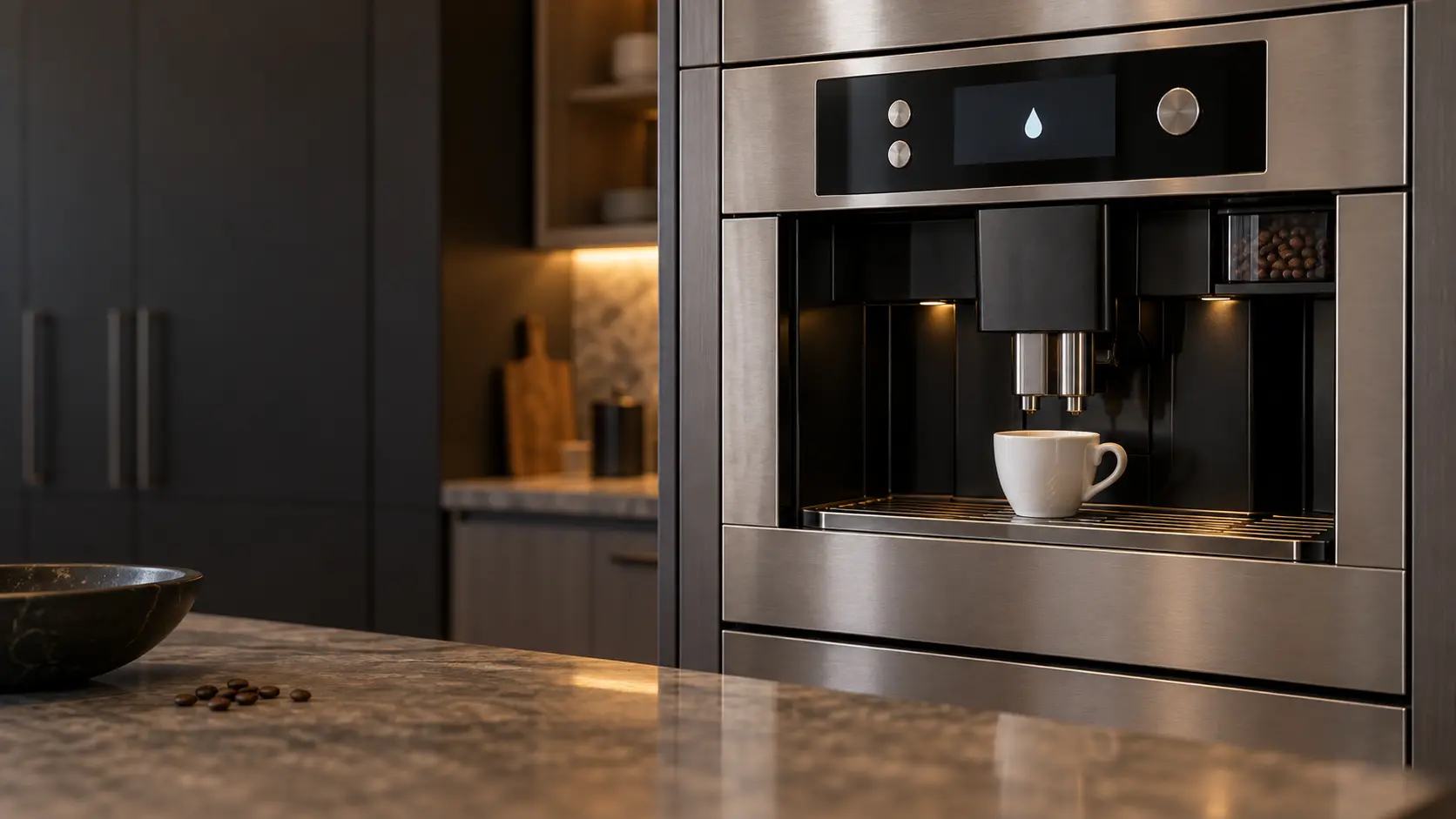


JennAir SELF DIAGNOSIS: the start-up check after the main switch
The JennAir has two switches: a main On/Off switch on the side, reached by sliding the unit forward, and an On/Standby button beside the coffee spout for daily use.
Mon–Sat, 8am–8pm
- Mode, not a failure
- No repair needed
- Source: JennAir
Book a visit
Three short steps, about a minute.
or call (844) 551-4777
Loading appointment form…
The appointment form couldn’t load. Please try again.
What SELF DIAGNOSIS
actually means.
The JennAir has two switches: a main On/Off switch on the side, reached by sliding the unit forward, and an On/Standby button beside the coffee spout for daily use. Each time the main switch goes on, the machine shows SELF DIAGNOSIS, runs a self-test, preheat and rinse that cannot be stopped, and then drops to standby, so the display going dark afterward is expected.
JennAir coffee machine display
What to do when SELF DIAGNOSIS shows on the coffee machineKind of codeMode, not a failure
The machine is doing what it was set to do, not wearing out: a rinse that runs through the spouts at switch-on and switch-off, a descale or filter reminder counting the water that has passed through, an energy-save mode that darkens the screen after a quiet spell, or a demo mode left on from the showroom that lights the keys and pours nothing. No part is needed; finishing the cycle the display asks for, or a key sequence from the manual, ends it.
Usually leads toNo repair
Let the self-test and rinse finish without pressing anything.
Shows up asWhat a Coffee Machine Error Code or Warning Symbol Means
A coffee machine error code may show as a short string of letters and numbers, a flashing symbol for water, grounds or the brew unit, a short sentence on a text display, or a machine that stops with one light blinking.
MakeJennAir
A JennAir built-in coffee maker that has gone quiet or started dripping is checked in the kitchen, beginning with the tray sensor and the tank contacts.
SourceJennAir help: SELF DIAGNOSIS
JennAir 24-inch built-in coffee systems: JJB6424HL (Rise), JJB6424HM (Noir) and the earlier Euro-Style JBC7624BS.
Before you book,
in this order.
Each step comes from JennAir's own guidance for SELF DIAGNOSIS on its coffee machines. Follow it to the end: the last card says whether this is a visit.
Let the self-test and rinse finish without pressing anything.
Press the On/Standby button to the left of the coffee spout to wake the machine; HEATING UP Please wait will show.
Use the main switch only for vacations, storage or cleaning, and use On/Standby every day.
If the machine never reaches the ready screen after On/Standby, book a visit.
Cleared?
The message is gone, and the machine grinds, heats and pours a full cup again with no new part. If it comes back within the week, or the descale or filter reminder returns straight after a finished cycle, say so in the booking.
What not to do
SELF DIAGNOSIS followed by a blank display is not a breakdown; it is the normal route into standby. It is also not a reason to cycle the main switch repeatedly, since each time repeats the full check.
What you may
notice with it.
The coffee machine problems SELF DIAGNOSIS tends to arrive with. Answer these at the coffee machine before anyone is booked.
All problems
No repair indicated
Nothing to repair.
The machine is doing what it was set to do, not wearing out: a rinse that runs through the spouts at switch-on and switch-off, a descale or filter reminder counting the water that has passed through, an energy-save mode that darkens the screen after a quiet spell, or a demo mode left on from the showroom that lights the keys and pours nothing. No part is needed; finishing the cycle the display asks for, or a key sequence from the manual, ends it.
JennAir
coffee machines.
A JennAir built-in coffee maker that has gone quiet or started dripping is checked in the kitchen, beginning with the tray sensor and the tank contacts.
JennAir coffee machine repairMore JennAir codes
Mode, not a failure on other makes

In JennAir's own words
Use this switch only for vacation, storage, or cleaning.
Every code on this site is taken from the manufacturer's documentation, never from a forum or a parts listing. JennAir 24-inch built-in coffee systems: JJB6424HL (Rise), JJB6424HM (Noir) and the earlier Euro-Style JBC7624BS.
JennAir SELF DIAGNOSIS coffee machine repair,
where we come out.
The same visit in every metro below: the code, the model number, and a diagnosis before any part is ordered.
All service areasTampa BayFL · 31 areas
Miami / South FloridaFL · 47 areas
New York MetroNY · 75 areas
HoustonTX · 36 areas
ChicagoIL · 50 areas
Los AngelesCA · 95 areas
San DiegoCA · 31 areas

Questions
about SELF DIAGNOSIS.
Can I clear SELF DIAGNOSIS myself?
My JennAir showed SELF DIAGNOSIS and then went dark. Is it broken?
Where is the main power switch on a JennAir coffee system?
Why does my JennAir turn itself off?
Back to your everyday
Still showing SELF DIAGNOSIS?
Three things make the booking useful: the message or number exactly as the display showed it, the full model number from the plate, and whether the machine still grinds and pours at all. Send those and the likely part can be looked up before the van leaves.