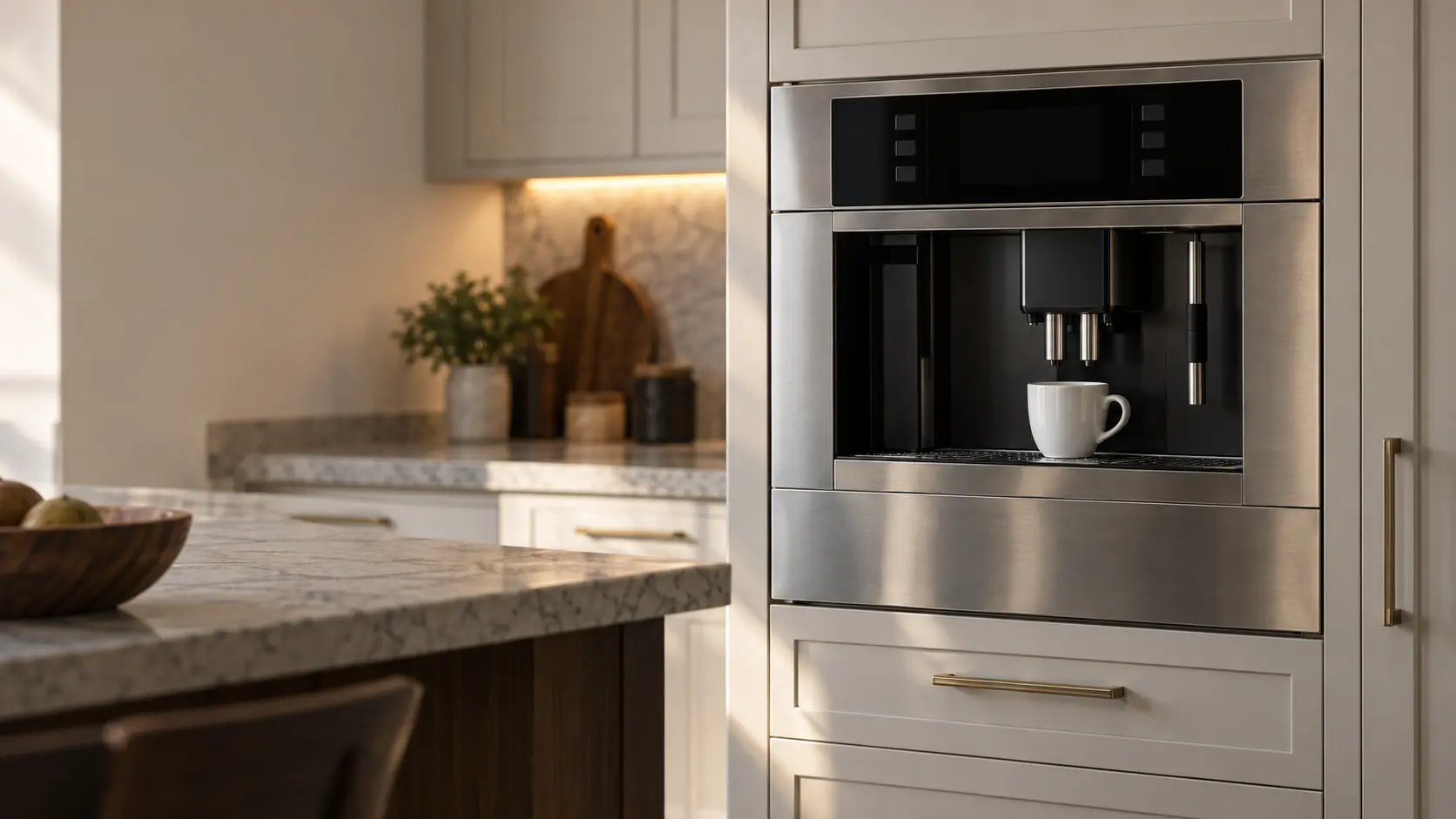


Miele F1: the built-in coffee system needs a long rest
Miele groups F1, F2, F80 and F82 as internal errors of the coffee system itself, not of anything the owner filled or emptied.
Mon–Sat, 8am–8pm
- Control board and power
- Coffee machine control board repair
- Source: Miele
Book a visit
Three short steps, about a minute.
or call (844) 551-4777
Loading appointment form…
The appointment form couldn’t load. Please try again.
What F1
actually means.
Miele groups F1, F2, F80 and F82 as internal errors of the coffee system itself, not of anything the owner filled or emptied. The manual's first step for this group is a long power-down, about an hour, before the machine is switched back on. If the number returns after that, the cause sits inside the machine.
Miele coffee machine display · also shown as F2, F80, F82
What to do when F1 shows on the coffee machineKind of codeControl board and power
The electronics that read the keys and run the grinder, the pump and the heater have flagged a problem with themselves or with the power reaching them: a supply that dipped or spiked, a board that lost its settings after an outage, a display or touch panel that stopped answering, or a relay that stuck. One switch-off at the key or the breaker clears a passing glitch; a message that returns, or any hot smell, means the power stays off and a technician tests the board.
Usually leads toCoffee machine control board repair
Testing and replacing the power board, control board and touch panel of a coffee machine, and the sensors they read.
Shows up asWhat a Coffee Machine Error Code or Warning Symbol Means
A coffee machine error code may show as a short string of letters and numbers, a flashing symbol for water, grounds or the brew unit, a short sentence on a text display, or a machine that stops with one light blinking.
MakeMiele
Miele coffee systems are serviced at home, with the brew unit lifted out and inspected once the machine has cooled.
SourceMiele CVA 7440 built-in coffee system operating and installation instructions (en-US, CA)
Miele CVA 7440 built-in coffee system (tank-fed, M.-Nr. 12 867 300). The same one-hour instruction covers F2, F80 and F82 in this manual.
Before you book,
in this order.
Each step comes from Miele's own guidance for F1 on its coffee machines. Follow it to the end: the last card says whether this is a visit.
Switch the coffee machine off with the On/Off button.
Leave it off for about one hour, then switch it back on.
If the message shows again, confirm it with OK so it is not simply a stale message, then book a visit and note which of the four numbers it was.
Still there?
It usually turns into coffee machine control board repair. Book with the code and the model number.
What not to do
F1 does not tell you the water container, drip tray or beans need attention; those have their own worded prompts. Nor is it a reason to unplug and replug over and over, since Miele's instruction is one long wait.
What you may
notice with it.
The coffee machine problems F1 tends to arrive with. Answer these at the coffee machine before anyone is booked.
All problems
Where F1 usually leads
Coffee machine control board repair.
Miele
coffee machines.
Miele coffee systems are serviced at home, with the brew unit lifted out and inspected once the machine has cooled.
Miele coffee machine repairMore Miele codes
Control board and power on other makes

Built-in coffee system
The coffee machine set flush into a tall kitchen cabinet, filled from a water tank behind its front, grinding beans and brewing each cup on its own before sliding out on rails for service.

Plumbed coffee system
The built-in coffee machine connected to the house water supply, filling itself through an inlet valve and sometimes draining its rinse water to a line of its own, so nobody ever lifts out a tank.

Countertop espresso machine
The fully automatic bean-to-cup machine that stands on the counter, grinding, tamping, brewing and frothing at the touch of a key, with its tank, hopper and grounds drawer all reached from the top and the front.
In Miele's own words
Switch the coffee machine off. Wait for approximately 1 hour before switching the machine back on again.
Every code on this site is taken from the manufacturer's documentation, never from a forum or a parts listing. Miele CVA 7440 built-in coffee system (tank-fed, M.-Nr. 12 867 300). The same one-hour instruction covers F2, F80 and F82 in this manual.
Miele F1 coffee machine repair,
where we come out.
The same visit in every metro below: the code, the model number, and a diagnosis before any part is ordered.
All service areasTampa BayFL · 31 areas
Miami / South FloridaFL · 47 areas
New York MetroNY · 75 areas
HoustonTX · 36 areas
ChicagoIL · 50 areas
Los AngelesCA · 95 areas
San DiegoCA · 31 areas

Questions
about F1.
Can I clear F1 myself?
Why does my Miele coffee system need an hour off after F1?
F1 came back on my Miele CVA 7440 after the hour. What next?
Are F2, F80 and F82 on a Miele built-in any different from F1?
Back to your everyday
Still showing F1?
Three things make the booking useful: the message or number exactly as the display showed it, the full model number from the plate, and whether the machine still grinds and pours at all. Send those and the likely part can be looked up before the van leaves.